Tonny Professional CameraEOS 1000D 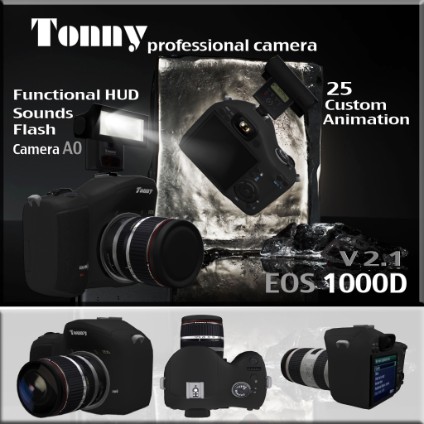 --------------------------------------------------------------------------------------------------------- |
 Version: ======= Description: - Camera Body provided with 2 lens ( Tonny 70-200 / EFS 17-85 mm) attached to the camera body you can control which one to use from the functional HUD . - Flash camera provided with flash light effect , sound ( placed / Remove ) by the HUD Instructions: Unpacking & using Manual The HUD , its for the Camera functions control and AO(attachment overrides) Camera functions control - switch between the 2 lens built in with camera body just Click the button near the lens image in your HUD to ( place / remove ) the camera lens with sound effects . -there is another button to ( place /remove ) the lens cover . - LCD screen button to (open / close ) LCD screen with sound effects . - Flash button to ( place /remove ) the flash . - by clicking the shutter button this action operate the flash light effect with real shutter sound effects . AO(attachment overrides) - AO button switch AO (ON/OFF) . - Load Button its used for loading the "Camera man " note card . - Menu Button will drive you into AO menu for multiple choices . - Next Button to change standing pose ..............for any questions please fell free to im me |
